

 Image 1 of 3
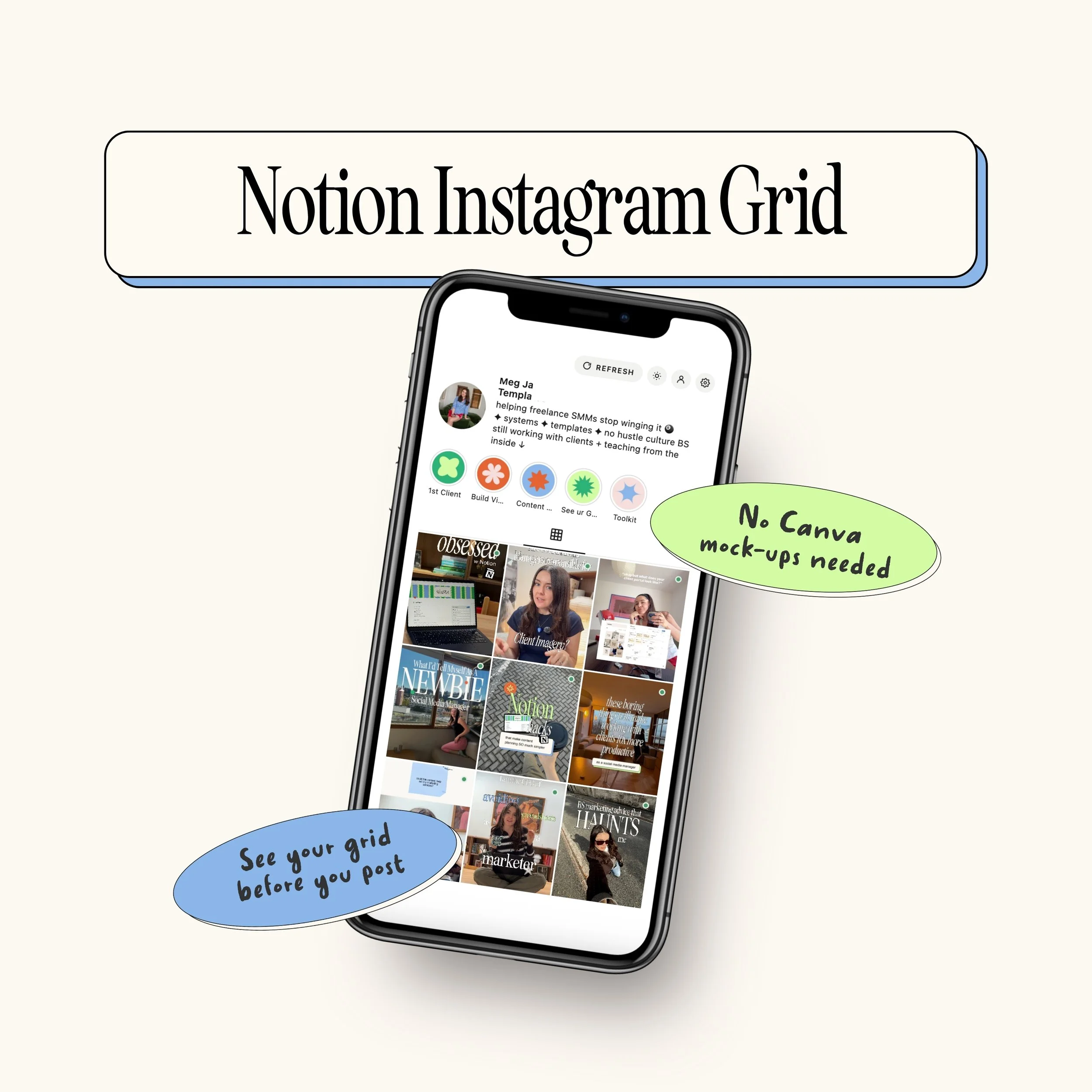 Image 2 of 3
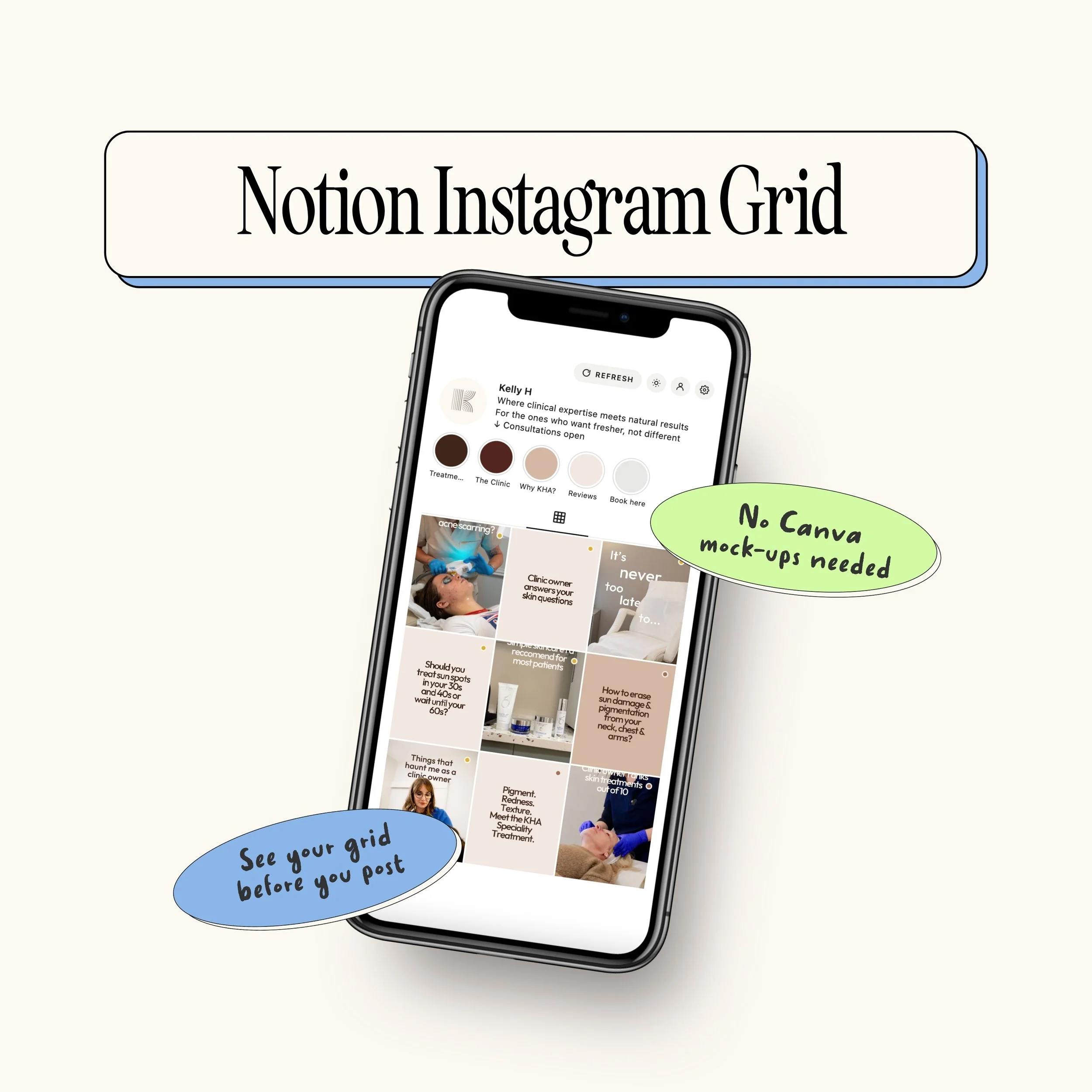 Image 3 of 3
Please note: this is only useful if you have an existing Notion content planner. Otherwise, Calendar 2.0 is what you need.
Saves time: No more rebuilding your grid in Canva every time the plan changes
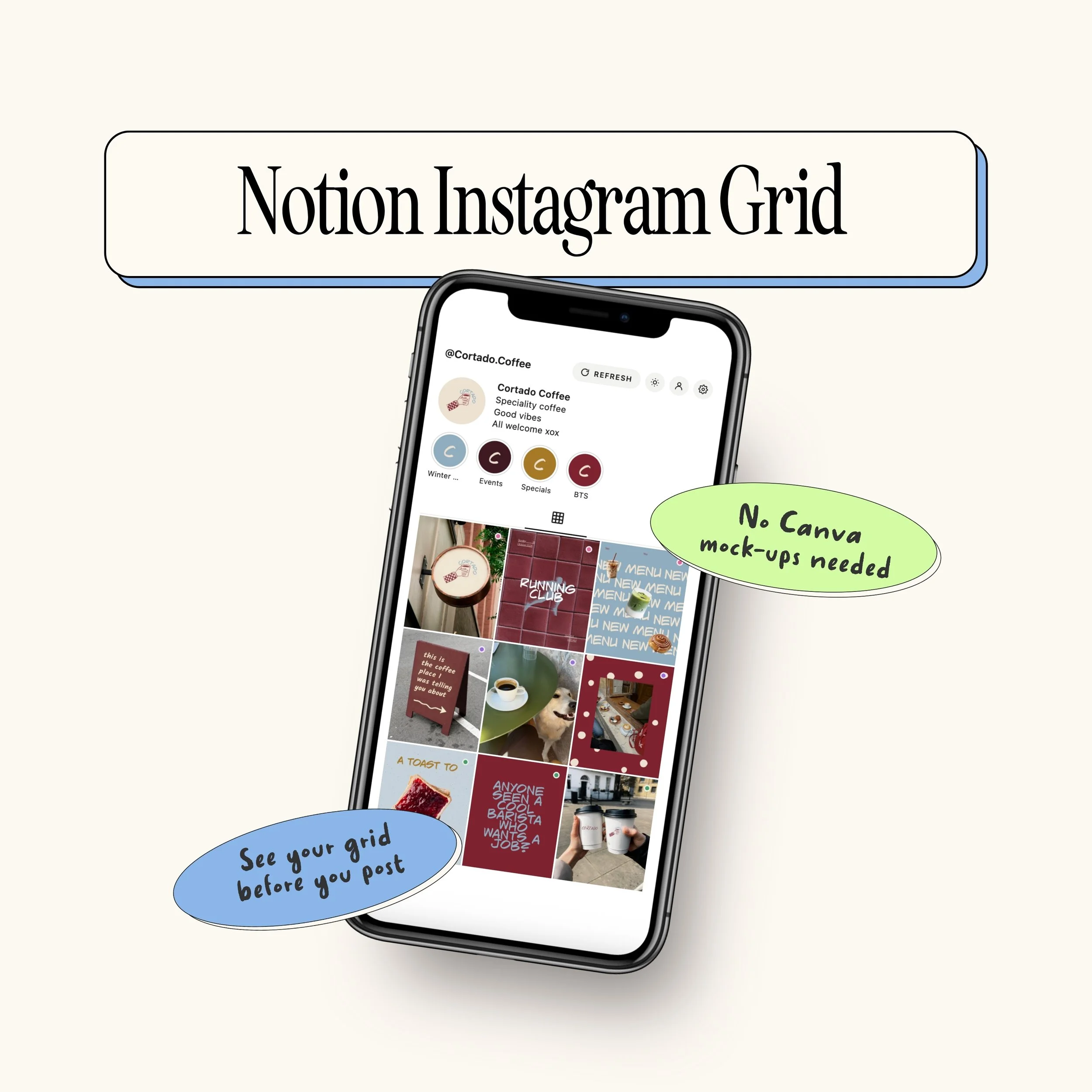
Looks like the real thing: Profile photo, name, bio and highlights
Pins included: Up to 3 pinned posts, each one switched on or off
See more: Turn on a 4th row to preview 12 posts instead of 9
Works for clients: A separate grid for every client calendar
Set up comes with instructions: step-by-step guide and videos
Free to run: Works on free Notion, no code needed
What this is
A widget that shows your Notion content calendar as an Instagram grid
A written guide and videos to set it up
What this isn’t
It doesn’t come with a content calendar. You need your own Notion content calendar already.
If you need a calendar, the Content Calendar 2.0 already includes this widget.
Because this is a digital product, there are no refunds. Check the “What this is” list before you buy.
Licence: This product is for your own use, including use with your own clients’ accounts. You do not have the right to resell, share, redistribute or give away the widget, the guide or the videos, in whole or in part.
Please note: this is only useful if you have an existing Notion content planner. Otherwise, Calendar 2.0 is what you need.
Saves time: No more rebuilding your grid in Canva every time the plan changes
Looks like the real thing: Profile photo, name, bio and highlights
Pins included: Up to 3 pinned posts, each one switched on or off
See more: Turn on a 4th row to preview 12 posts instead of 9
Works for clients: A separate grid for every client calendar
Set up comes with instructions: step-by-step guide and videos
Free to run: Works on free Notion, no code needed
What this is
A widget that shows your Notion content calendar as an Instagram grid
A written guide and videos to set it up
What this isn’t
It doesn’t come with a content calendar. You need your own Notion content calendar already.
If you need a calendar, the Content Calendar 2.0 already includes this widget.
Because this is a digital product, there are no refunds. Check the “What this is” list before you buy.
Licence: This product is for your own use, including use with your own clients’ accounts. You do not have the right to resell, share, redistribute or give away the widget, the guide or the videos, in whole or in part.